
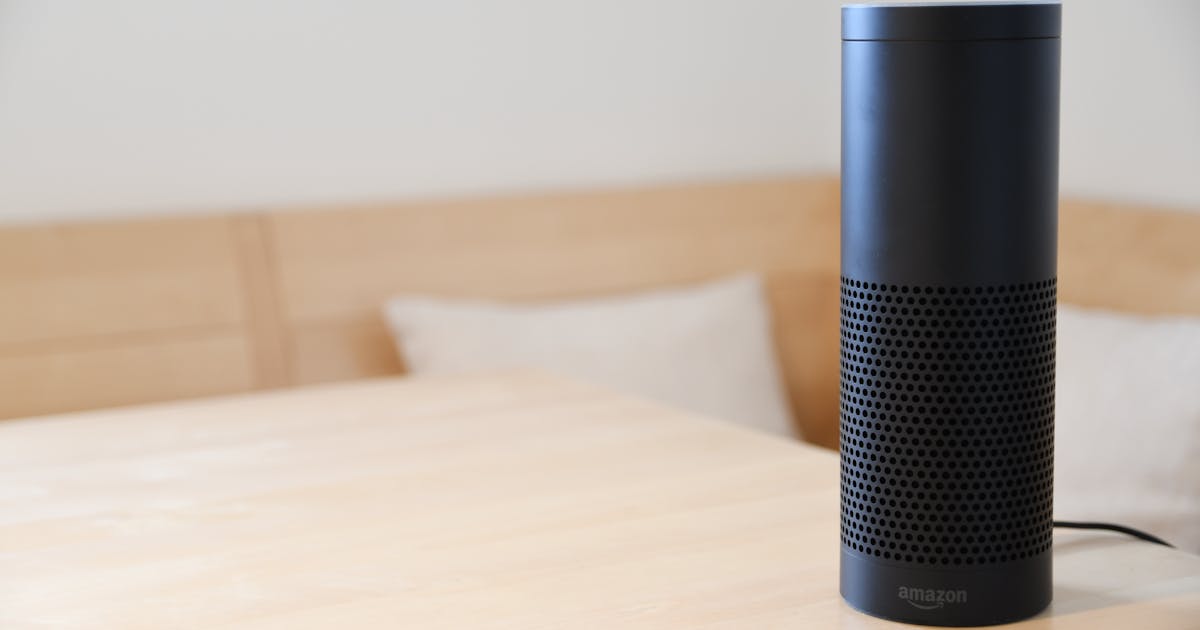
"Alexa, turn off the lights." "Hey Google, set the AC to 72." "Siri, activate movie mode." These phrases are no longer science fiction — they're part of daily life in a smart home. But how does voice control actually work and how do we implement it at DiraSmart?
How Does Voice Control Work?
When you give a command to your voice assistant, the device (Echo, Google Nest, HomePod) listens to your instruction, processes it in the manufacturer's cloud, and then sends the action to your home automation system. In our case, that instruction reaches your home's local server, which executes the action instantly.
The key difference with DiraSmart is that **the voice assistant is just a remote control**. Your entire system works without it. If Amazon, Google, or Apple have a service outage, your home keeps working perfectly from the app, smart switches, and programmed automations.
Alexa: The Most Popular in Panama
Amazon Alexa is the most widely used assistant in smart homes in Panama due to its broad compatibility and ease of use.
What you can do:
- Control lights, AC, blinds, and locks with voice commands
- Create routines like "Alexa, goodnight" that turns everything off and activates the alarm
- Check sensor status: "Alexa, what's the temperature in the living room?"
- Control devices by groups: "Alexa, turn off the second floor"
Recommended devices: Echo Dot for each room and Echo Show for the kitchen or main living area.
Google Home: Ideal for the Google Ecosystem
If your life revolves around Gmail, Google Calendar, and YouTube, Google Home integrates naturally with your services.
What you can do:
- Same home controls as Alexa
- Contextual questions: "Hey Google, do I need an umbrella today?"
- Broadcasting: send messages to all speakers in the house
- Chromecast integration for entertainment control
Recommended devices: Google Nest Mini for rooms and Nest Hub for main areas.
Siri and HomeKit: For Apple Users
If your whole family uses iPhones, Siri with HomeKit offers the most seamless integration.
What you can do:
- Control from iPhone, Apple Watch, and HomePod with no additional setup
- "Hey Siri, I'm home" to activate welcome scenes
- Location-based automations through the Home app
- Share access with family members through iCloud
Recommended devices: HomePod Mini for each zone and Apple TV as a central hub.
Our Recommendation
At DiraSmart, we install compatibility with all three assistants. We don't lock you into one ecosystem. Our recommendation based on your profile:
Mixed families (Android + iPhone): Alexa as the main assistant. It's the most neutral and compatible.
All Apple: Siri + HomeKit for the most native integration.
Technical users: Google Home for its advanced integration capabilities.
Privacy and Voice Control
It's important to understand that voice assistants do send your commands to the cloud for processing. However, with DiraSmart this is limited to the specific voice command. All logic, automations, and device states are processed locally. The assistant only acts as a voice translator.
Additionally, all assistants include a physical mute button to disable the microphone whenever you want. And if you prefer not to use voice, your system works exactly the same from the app and physical controls.