
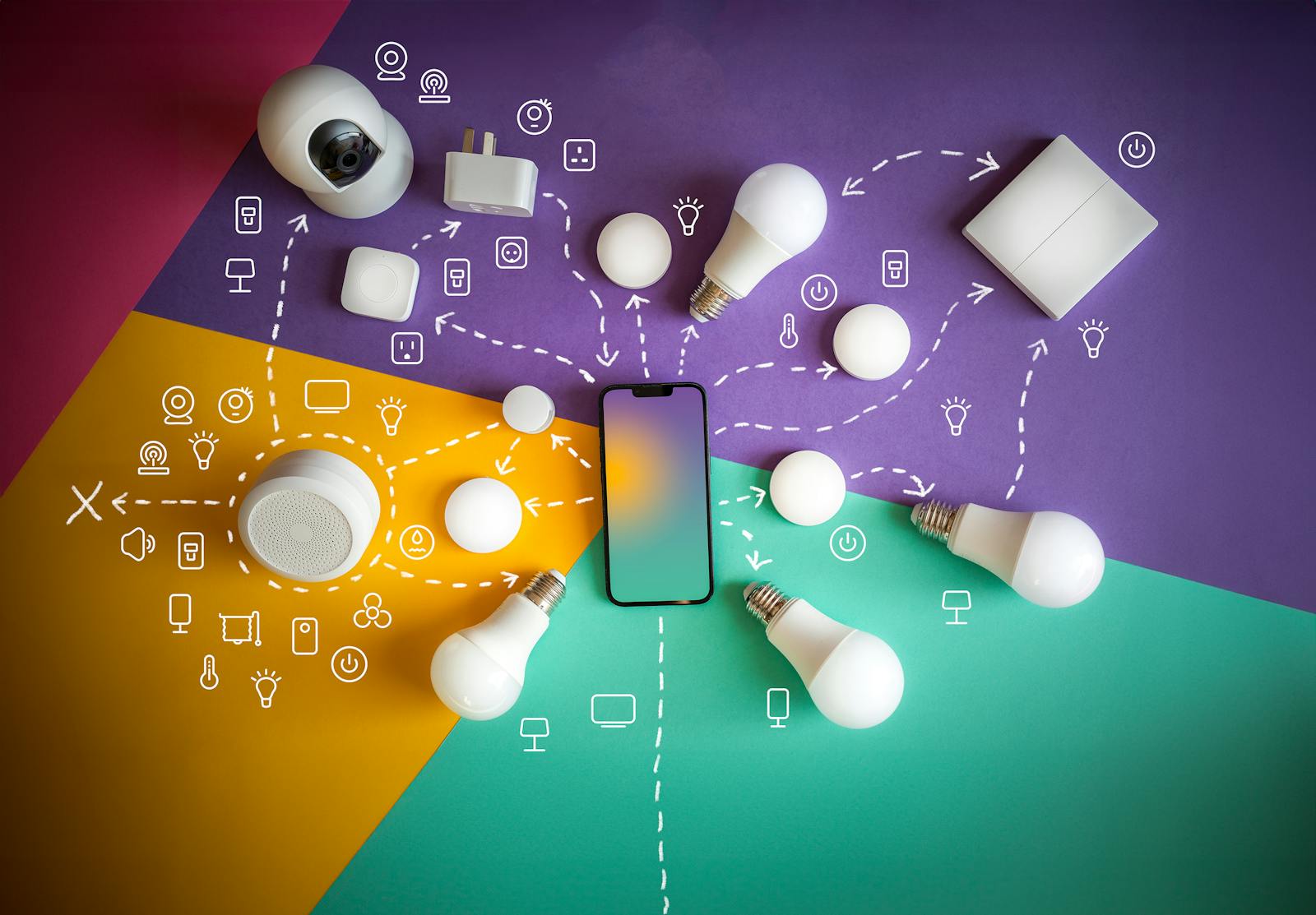
The question we get most often when quoting an install: "Should I go all WiFi, or should I go Zigbee?". The short answer is: it depends. The honest answer is longer, and worth understanding before you spend thousands of dollars on gear.
After dozens of installations in Panama, these are the real rules we work with.
The myth of "everything on one protocol"
The first idea to dismantle: no single protocol covers 100% of a smart home. Zigbee is excellent for many things, but it's still missing entire product categories — decent thermostats, some specialized sensors, specific HVAC controls. You end up using those on WiFi anyway.
Going "all Zigbee" sounds clean but in practice it means: devices in every room just to keep the mesh stable, limited variety, and the frustration that the thermostat you liked only exists in a WiFi version.
The right question isn't "which protocol do I pick?". It's "which protocol do I use for each function?".
WiFi: the pragmatic base
WiFi ends up being the base of most installs for a simple reason: device variety is huge. Practically every smart home brand makes its flagship product on WiFi. Plus, you already need WiFi in the house for your phone, laptop and TV — the cabling and access points are already there.
When WiFi is the right call:
Houses with dense WiFi infrastructure — ideally cabled access points, roughly one per room (UniFi, Omada or similar). That AP density is what makes the difference: without it, IoT devices suffer constant drops. WiFi doesn't handle 40 connected things over a single router in the living room.
Devices that only exist well on WiFi: thermostats, IP cameras, wall control panels, multi-room speakers, certain appliances.
Apartments or small homes with fewer than 20 total devices — where router saturation isn't a concern.
What to watch out for with WiFi:
If you'll have 40+ devices, don't use the ISP router. Put in an enterprise WiFi network with multiple access points (UniFi, TP-Link Omada or similar) specifically sized for IoT. That's the difference between WiFi that works and WiFi that drops every other day.
Also, not every WiFi device is fair game. At DiraSmart we avoid cloud-only WiFi devices — the ones that stop responding if your internet drops or if the manufacturer shuts down its cloud. We work with locally-controlled WiFi gear (that responds without touching the manufacturer's cloud) or at minimum hybrid devices (the app works both on the local network and remotely). That way, even when you pick WiFi for a thermostat or a plug, your home keeps responding without internet and you're not exposed to a vendor deciding to shut down its servers.
Zigbee: the ideal protocol for lighting
Zigbee is excellent, but its superpower is in one specific category: lighting. Philips Hue, Aqara, IKEA Trådfri, Sonoff — there are hundreds of Zigbee bulbs, LED strips and dimmers of excellent quality.
If you're going to have 30, 50 or 100 smart bulbs in the house, putting them all on Zigbee completely frees up your WiFi for what actually needs bandwidth. There aren't 80 bulbs trying to handshake with your router.
Also, every Zigbee bulb plugged into power acts as a mesh repeater. In a home with full Zigbee lighting, coverage is practically perfect. You don't need extra antennas to carry signal to distant rooms.
Where Zigbee shines:
Full-home lighting — bulbs, dimmers, LED strips.
Battery-powered sensors where you want 2-5 year battery life (motion, door, temperature, humidity).
Finished homes where you can't run extra WiFi access points and need a robust mesh without touching the construction.
What to know:
If you install on your own, you'll have to pick a brand-specific hub (Philips Hue Bridge, Aqara Hub, SmartThings) — and each one tends to lock you into its ecosystem. That's where Zigbee's "lock-in" reputation comes from. In our installs this doesn't apply: a local server inside your home runs a generic Zigbee USB dongle, so you can mix Philips Hue bulbs, Aqara sensors and IKEA dimmers on the same mesh, and everything responds in a single app. The same server also handles Z-Wave via a second dongle, so hub choice stops being a locking decision.
Zigbee shares the 2.4 GHz band with WiFi. In residential buildings in Panama (Costa del Este, Punta Pacífica), the spectrum is already crowded and channels have to be chosen carefully.
Z-Wave: dedicated frequency, limited catalog
Z-Wave has a real advantage over Zigbee: it uses a dedicated frequency (908 MHz in the Americas) that doesn't compete with WiFi. That gives it extra stability for devices where reliability is critical.
The reality is Z-Wave has fewer manufacturers, costs 20-40% more than the Zigbee equivalent, and in Panama there's no large distributor — gear gets imported. So we use it selectively, and only when the cost premium makes sense.
Smart locks from good brands (Yale, Kwikset) still have their best version on Z-Wave. If the project justifies the extra cost, that's where we use it.
What's coming next
SuZi (sub-GHz Zigbee). A long-range variant of the protocol was recently announced — it promises to cover large homes or properties with a single hub. Very few compatible devices exist today, but it's worth watching.
LoRa / LoRaWAN. Gaining traction for long-range, ultra-low-power sensors (years of battery on a single cell). Today it's mainly door sensors, outdoor temperature, water-leak and some alarm devices. Not yet an option for lighting or general control.
Matter. The unified standard promised by Apple, Google, Amazon and Samsung. It sounds excellent in theory — every manufacturer speaking the same language. In practice it's still immature: inconsistent devices, limited features, buggy implementations. Worth understanding it exists, but we don't recommend building a home around Matter today.
KNX: if you can afford the luxury
Separate from all of the above is KNX — the building-automation standard used in hotels and premium residences in Europe. It runs over dedicated cable, is extremely stable, and has the widest professional catalog in the world.
The trade-off: it has to be wired during construction (not retrofit), it costs significantly more, and requires a certified integrator. If you're building a new home and the budget allows, it's the best you can install. If not, a WiFi + Zigbee combination goes a long way for much less.
What we actually recommend
For most houses we install in Panama, the practical formula is:
Full lighting on Zigbee. Bulbs, LED strips, dimmers. Frees your WiFi network and gives you a stable mesh for free.
Everything else on WiFi — thermostats, cameras, TVs, appliances, wall panels. Over a well-designed enterprise WiFi network, not the ISP's residential router.
Z-Wave selectively for entry locks and critical detectors if the project warrants it.
KNX when the client is building new and can afford the investment for the stability and quality it delivers.
The worst decision is trying to force the whole house onto a single protocol. The best is choosing the protocol by device function and designing the infrastructure (router, access points, hub) to support the mix well.
Questions about which protocol fits your project? Message us on WhatsApp — we help you plan the architecture before you spend on gear, no commitment.